The angles, the lighting, and what to avoid — practical tips for vendors using just a phone camera.
Customers decide in 2 seconds. Photos do all the work. You don't need a professional camera — your phone is enough. You just need to know which angles to shoot, which time of day, and what to avoid.
Before you take any photo
- Wash the car. A clean car looks 50% more expensive than a dusty one — same exact car
- Pick the time of day — early morning (around 8am) or late afternoon (around 5pm) gives the softest light. Avoid harsh midday sun
- Find a clean background — empty car park, in front of plain wall, or a quiet street. Avoid clutter, other cars, garbage, or busy roads
- Wipe the phone camera lens with a clean cloth — smudges blur photos
Photo 1: The front 3/4 angle
This is your headline shot — the one that goes in search results. Stand at the front-right corner of the car, about 3 metres back. The car should fill the frame from front bumper to rear wheel. Hold the phone at headlight height.

Photo 2: The interior
Open the front passenger door (not the driver side — you don't want to shoot the steering wheel from outside). Stand back and shoot the interior straight on. Both front seats and the dashboard should be visible.

Photo 3: The dashboard
Sit in the driver's seat and shoot the dashboard from the passenger side, slightly above the seat. Show the steering wheel, the cluster, the infotainment screen, and the AC vents. This proves the car is in good shape.
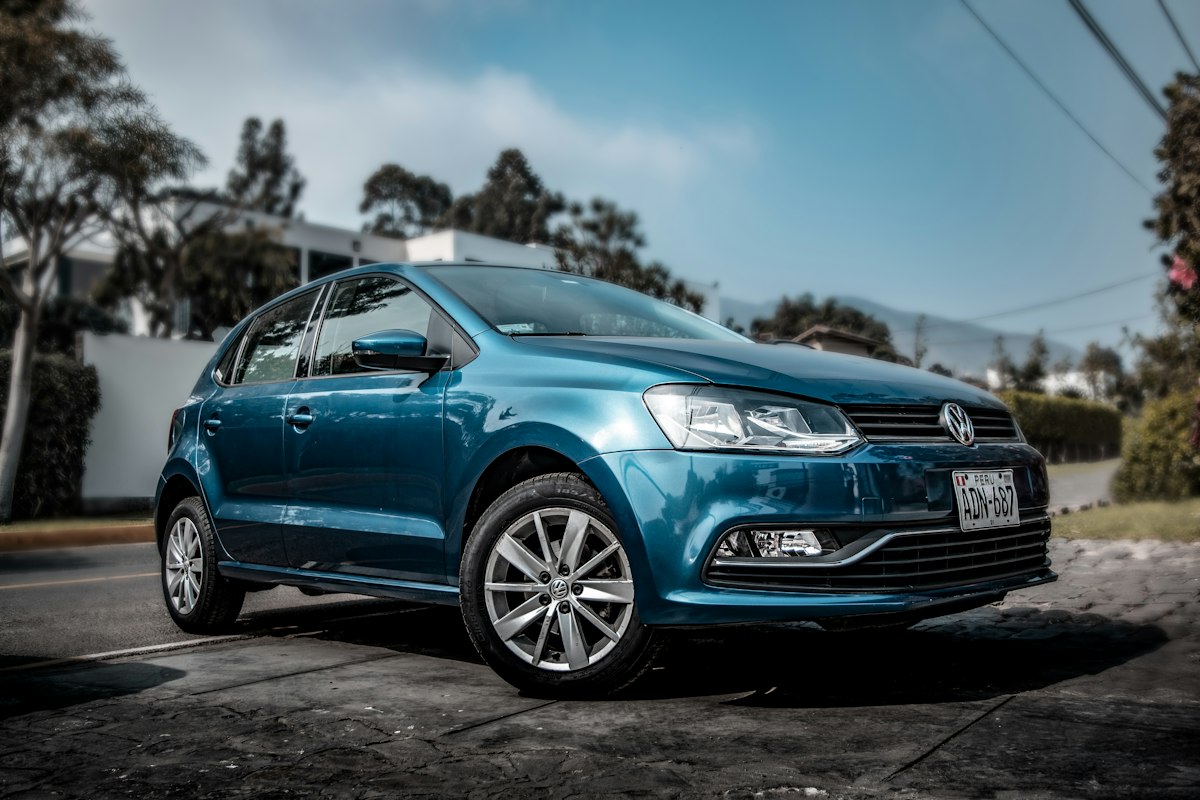
Photo 4: One detail shot
Pick one element you want to show off — the alloy wheels, the badge, the LED headlights, or the rear from the side. This adds personality and shows the car has been cared for.
What to avoid
Stickers, watermarks, phone numbers on the photo
Looks amateur. We add the brand for you on share previews — no need to add yours.
Stock photos from Google or dealer brochure shots
Customers spot these instantly. They lose trust and move to the next listing.
Photos taken inside a closed garage or showroom
Yellow indoor light and reflections. Take the car outside even for 10 minutes.
Photos with people, kids, or other cars in the frame
Customers want to see the car only — not your nephew or your competitor.
Blurry, dark, or angled photos
If it's not sharp, retake. Bad photos cost you bookings — they're not worth uploading.
Uploading on RentNowPK
- On the photos step of the listing wizard, tap the upload box
- Select up to 8 photos at once from your phone gallery
- Wait for each progress bar — fast on Wi-Fi, takes 30–60 seconds on mobile data
- Tap a photo to mark it 'primary' — this is the one shown in search results. Pick your front-3/4 shot
- Drag to reorder if needed
- Tap 'Submit for approval' when done